Background Image#
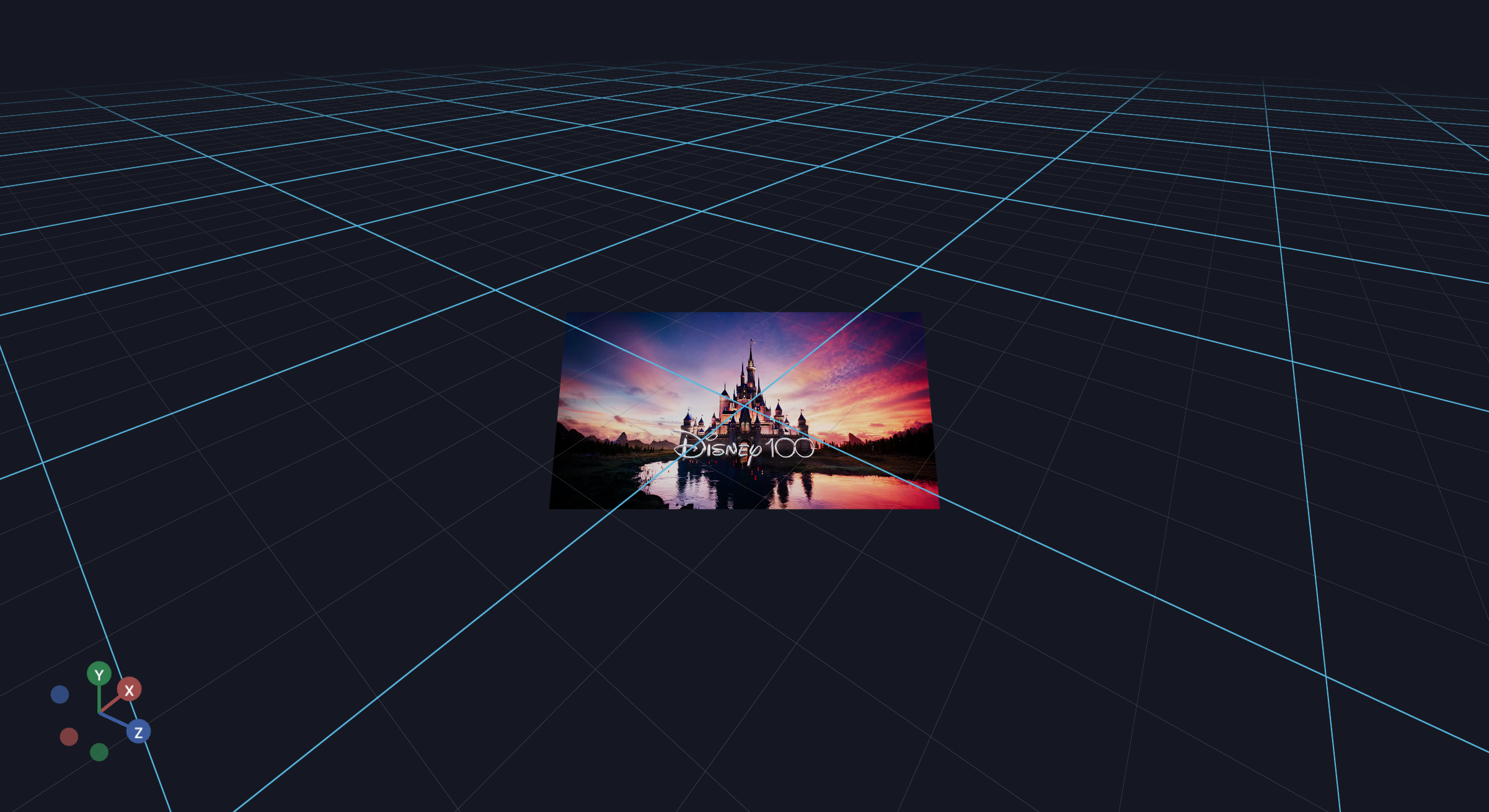
This example shows how to display a heads-up-display (HUD) in VR using the ImageBackground component.
This is useful for teleoperating robots with a single camera view.
from asyncio import sleep

import imageio as iio
from tqdm import tqdm

from vuer import Vuer, VuerSession
from vuer.events import ClientEvent
from vuer.schemas import Scene, ImageBackground

reader = iio.get_reader("../../../assets/movies/disney.webm")

app = Vuer()

@app.add_handler("CAMERA_MOVE")
async def on_camera(event: ClientEvent, sess: VuerSession):
    assert event == "CAMERA_MOVE", "the event type should be correct"
    print("camera event", event.etype, event.value)

@app.spawn(start=True)
async def show_heatmap(sess: VuerSession):
    sess.set @ Scene()

    for i, frame in tqdm(enumerate(reader), desc="playing video"):

        # use the upsert(..., to="bgChildren") syntax, so it is in global frame.
        sess.upsert(
            ImageBackground(
                # Can scale the images down.
                frame[::1, ::1, :],
                # One of ['b64png', 'png', 'b64jpg', 'jpg']
                # 'b64png' does not work for some reason, but works for the nerf demo.
                # 'jpg' encoding is significantly faster than 'png'.
                format="jpg",
                quality=20,
                key="background",
                interpolate=True,
                # fixed=True,
                distanceToCamera=1,
                position=[0, 0, -3],
                rotation=[-0.25, 0, 0],
            ),
            to="bgChildren",
        )
        # 'jpg' encoding should give you about 30fps with a 16ms wait in-between.
        await sleep(0.016)