Using URDF Files Locally#
This example shows you how to load a URDF file from your local file system. Here is what you should expect to see:
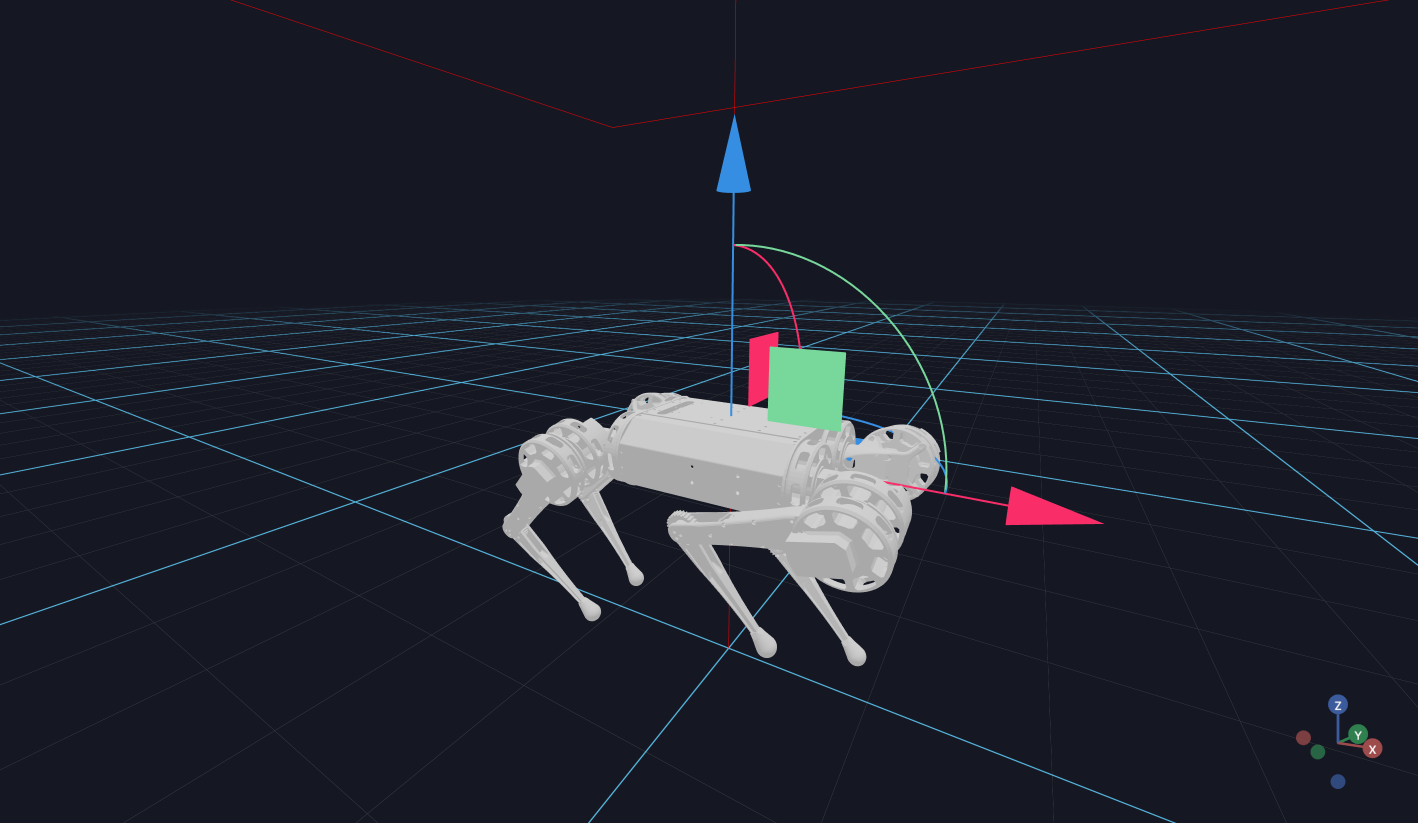
Fist, run the following in the terminal to download the URDF files:
cd examples/vuer/assets/robots
make
from vuer import Vuer
from vuer.schemas import DefaultScene, Urdf, Movable

pi = 3.1415

app = Vuer(static_root=Path(__file__).parent / "../../assets")


@app.spawn(start=True)
async def main(proxy):
    app.set @ DefaultScene(
        Movable(
            Urdf(
                src="http://localhost:8012/static/robots/mini_cheetah/mini_cheetah.urdf",
                jointValues={
                    "FL_hip_joint": -0.2,
                    "RL_hip_joint": -0.2,
                    "FR_hip_joint": 0.2,
                    "RR_hip_joint": 0.2,
                    "FL_thigh_joint": -0.25 * pi,
                    "RL_thigh_joint": -0.25 * pi,
                    "FR_thigh_joint": -1.3,
                    "RR_thigh_joint": -0.25 * pi,
                    "FL_calf_joint": 0.5 * pi,
                    "RL_calf_joint": 0.5 * pi,
                    "FR_calf_joint": 0.6 * pi,
                    "RR_calf_joint": 0.5 * pi,
                },
            ),
            position=[0, 0, 0.3],
            scale=0.4
        ),
        grid=True,
    )

    await save_doc()