Collecting Renders from a Virtual Camera
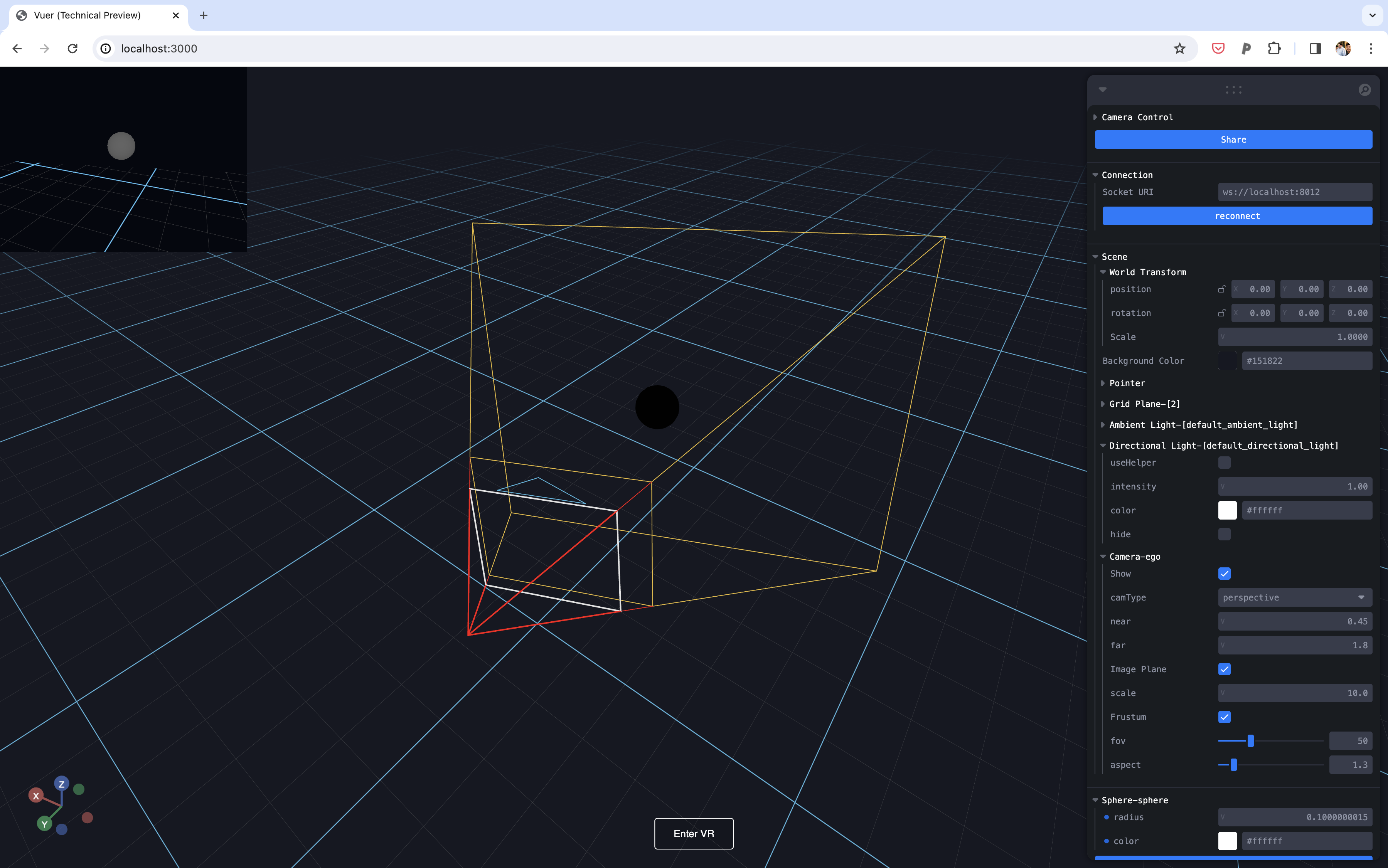
This tutorial builds on Replaying Camera Movements and shows you how to programmatically capture rendered frames from a virtual camera.
In the previous tutorial, we used the CAMERA_VIEW event handler with stream="frame" to collect rendered images. While this approach works, it offers limited control over when frames are captured. This tutorial introduces the synchronous grab_render RPC API, which gives you precise control over frame capture timing.
This tutorial will teach you how to:
- Use
stream="ondemand"mode for on-demand rendering - Capture frames synchronously using
grab_render() - Render and retrieve depth maps
Prerequisites: Run the Recording Camera Movements tutorial first to generate the assets/camera_movement.pkl file.
Understanding Stream Modes
The CameraView component supports three streaming modes:
| Mode | Description | Use Case |
|---|---|---|
frame | Streams every rendered frame | Real-time monitoring |
time | Streams at fixed time intervals | Periodic sampling |
ondemand | Only renders when requested | Precise control, data collection |
For data collection and synchronous workflows, stream="ondemand" is recommended because it only renders frames when you explicitly request them via grab_render().
Step 1: Load Camera Trajectory and Set Up Imports
First, we load the recorded camera matrices from the previous tutorial.
Step 2: Create the Scene with On-Demand Rendering
We set up a scene with stream="ondemand" mode. The key difference from the previous tutorial is that no frames are transmitted until we explicitly call grab_render().
Step 3: Running the Tutorial
Paste the code into grab_render_virtual_camera.py and run:
Open the URL printed in the terminal (usually https://vuer.ai).
You should see the camera moving through the recorded trajectory while capturing frames on-demand. An OpenCV window will display both the RGB and depth frames side by side. Press 'q' to quit.
Comparison with Event-Based Approach
| Approach | Method | Control | Best For |
|---|---|---|---|
| Event-based | CAMERA_VIEW handler | Passive, receives all frames | Real-time streaming |
| On-demand | grab_render() | Active, request specific frames | Data collection, synchronous workflows |
The grab_render() approach is particularly useful when you need to:
- Ensure a frame is captured at a specific point in your simulation
- Synchronize frame capture with other operations
- Avoid processing unnecessary frames