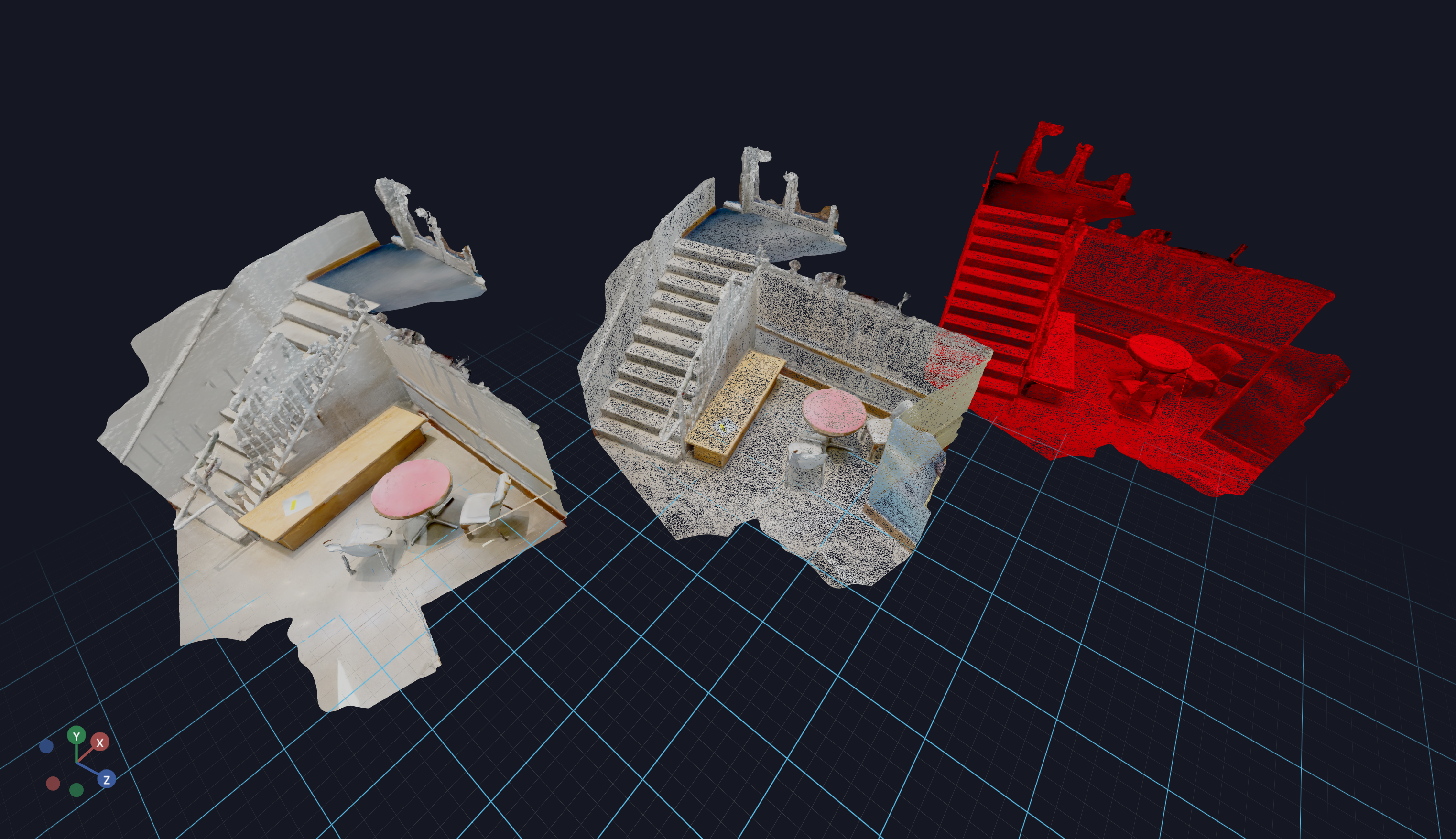
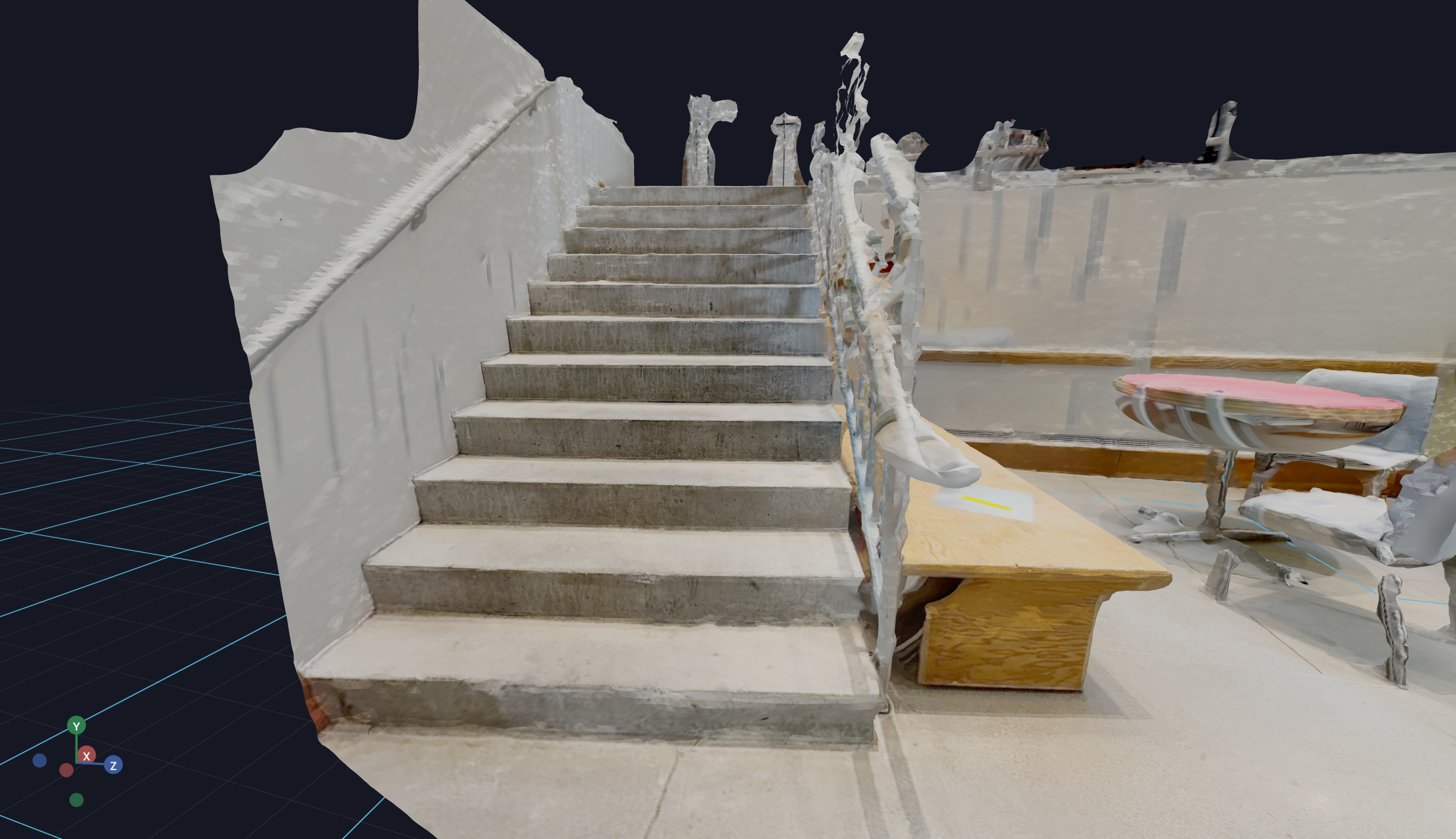
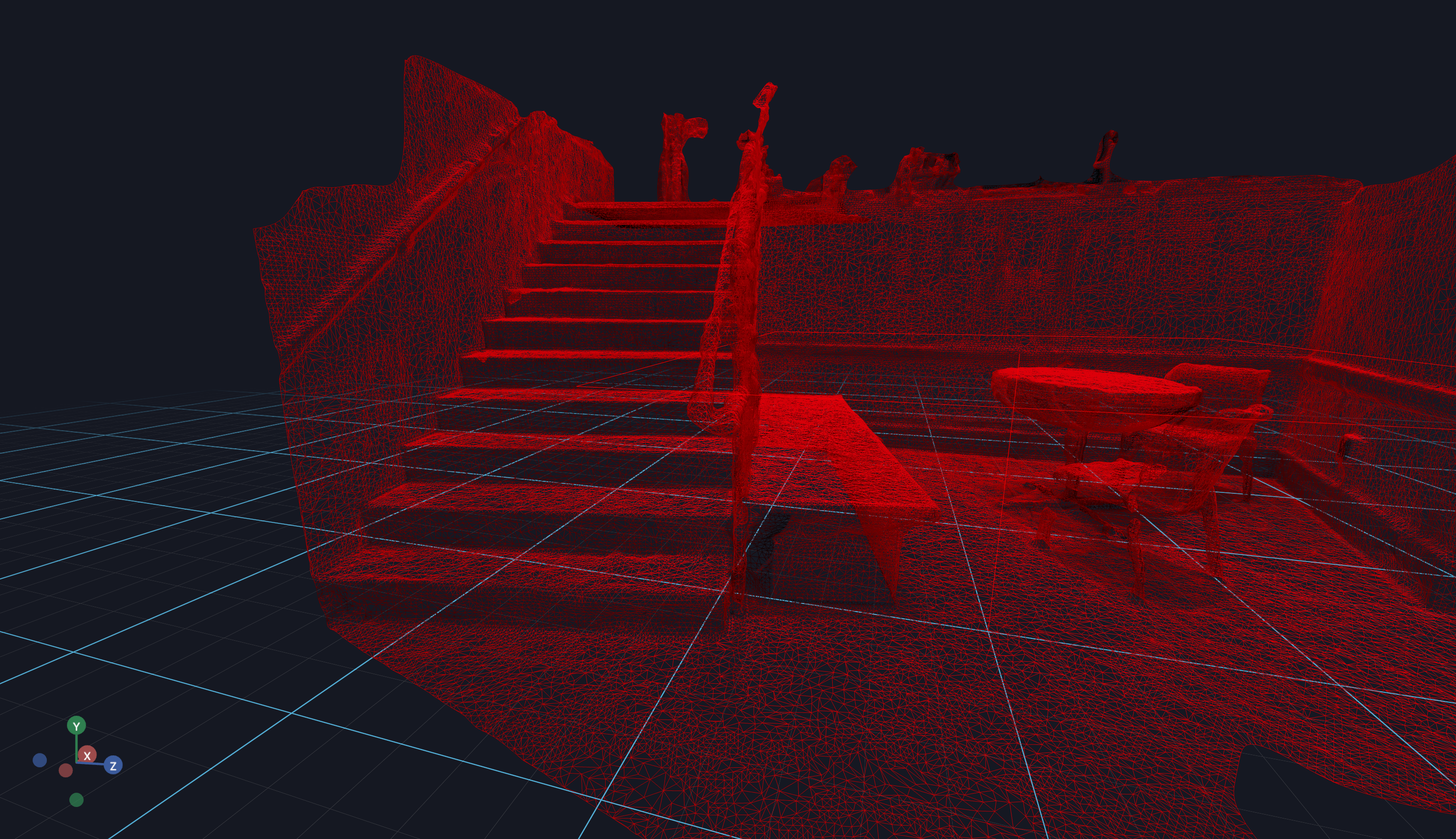
3D assets can be very large (hundreds of MBs), and loading them takes time. You often need to know when assets have finished loading so you can:
Start simulations only after all meshes are ready
Show loading progress to users
Trigger animations or other actions upon completion
How It Works
Vuer provides a simple event-based mechanism:
Set the onLoad attribute on your 3D component with a descriptive string
Register a LOAD event handler that will be called when loading completes
The onLoad string you provide will be passed to your handler as event.value, allowing you to identify which asset finished loading.
Code Example
python
from asyncio import sleepfrom vuer import Vuerfrom vuer.events import ClientEventfrom vuer.schemas import DefaultScene, Obj, OrbitControlsapp = Vuer(static_root=f"{Path(__file__).parent}/../../../assets")# Register a handler for the LOAD event@app.add_handler("LOAD")async def onLoad(event: ClientEvent, _): print(f"mesh has been loaded: {event.value}")# Set up the scene with multiple Obj components# use `start=True` to start the app immediately@app.spawn(start=True)async def main(session): session.set @ DefaultScene( Obj( src="http://localhost:8012/workspace/file_loaders/stairs_v1/textured.obj", mtl="http://localhost:8012/workspace/file_loaders/stairs_v1/textured.mtl", position=[-4.5, 1.5, -3.5], # This component emits a `LOAD` event when the mesh is loaded. # this also extends to other 3D asset components. onLoad="textured stairs are loaded", ), up=[0, 1, 0], bgChildren=[ OrbitControls(key="OrbitControls") ], ) session.add @ Obj( src="http://localhost:8012/workspace/file_loaders/stairs_v1/textured.obj", # you can omit this. See the red stairs below. mtl="http://localhost:8012/workspace/file_loaders/stairs_v1/textured.mtl", wireframe=True, position=[0, 1.5, 0], onLoad="wireframe stairs are loaded", ) session.add @ Obj( src="http://localhost:8012/workspace/file_loaders/stairs_v1/textured.obj", wireframe=True, color="#ff0000", position=[4.5, 1.5, 3.5], onLoad="red stairs are loaded", ) while True: await sleep(1.0)
Expected Output
When the assets finish loading, the handler prints:
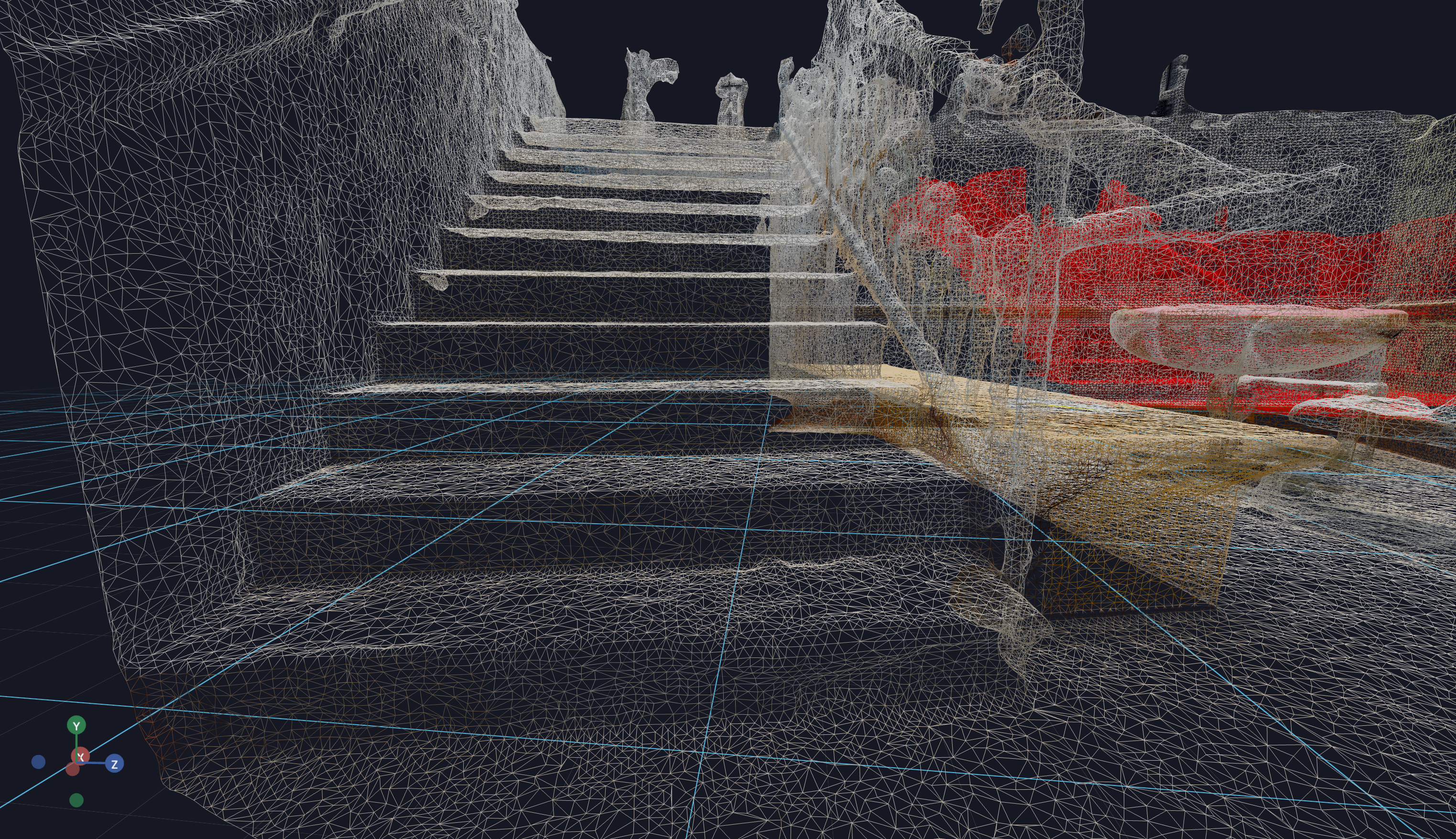
mesh has been loaded: textured stairs are loaded
mesh has been loaded: wireframe stairs are loaded
mesh has been loaded: red stairs are loaded